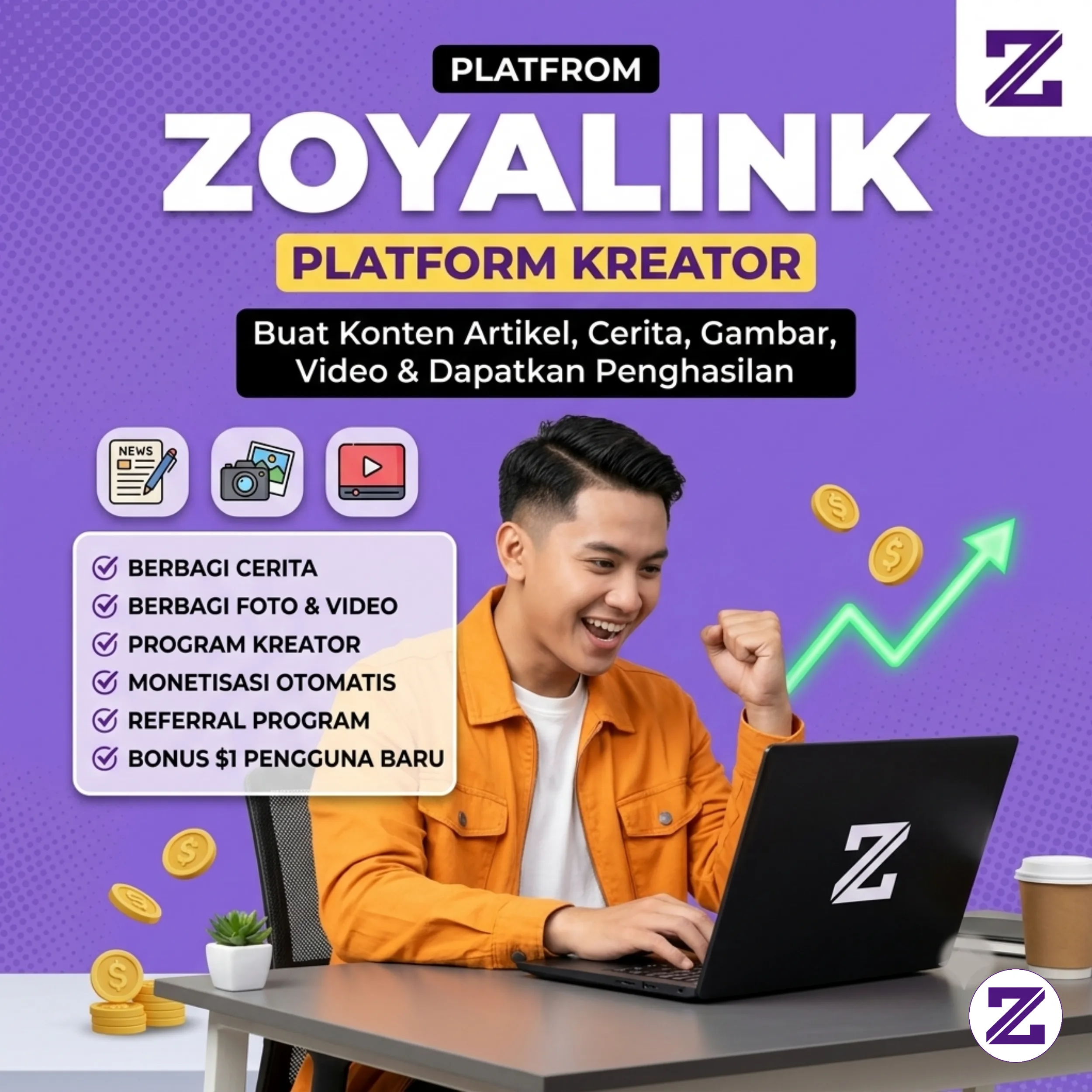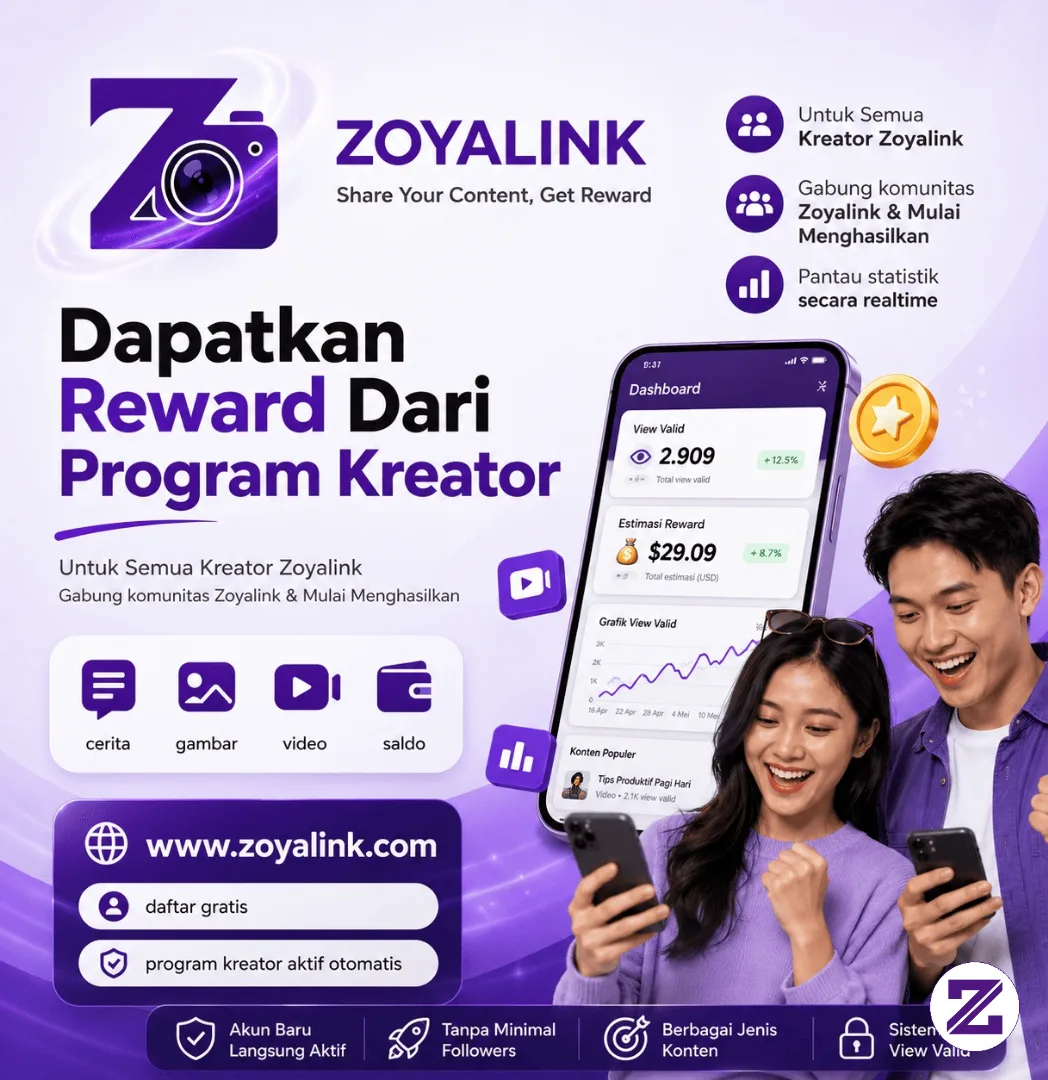
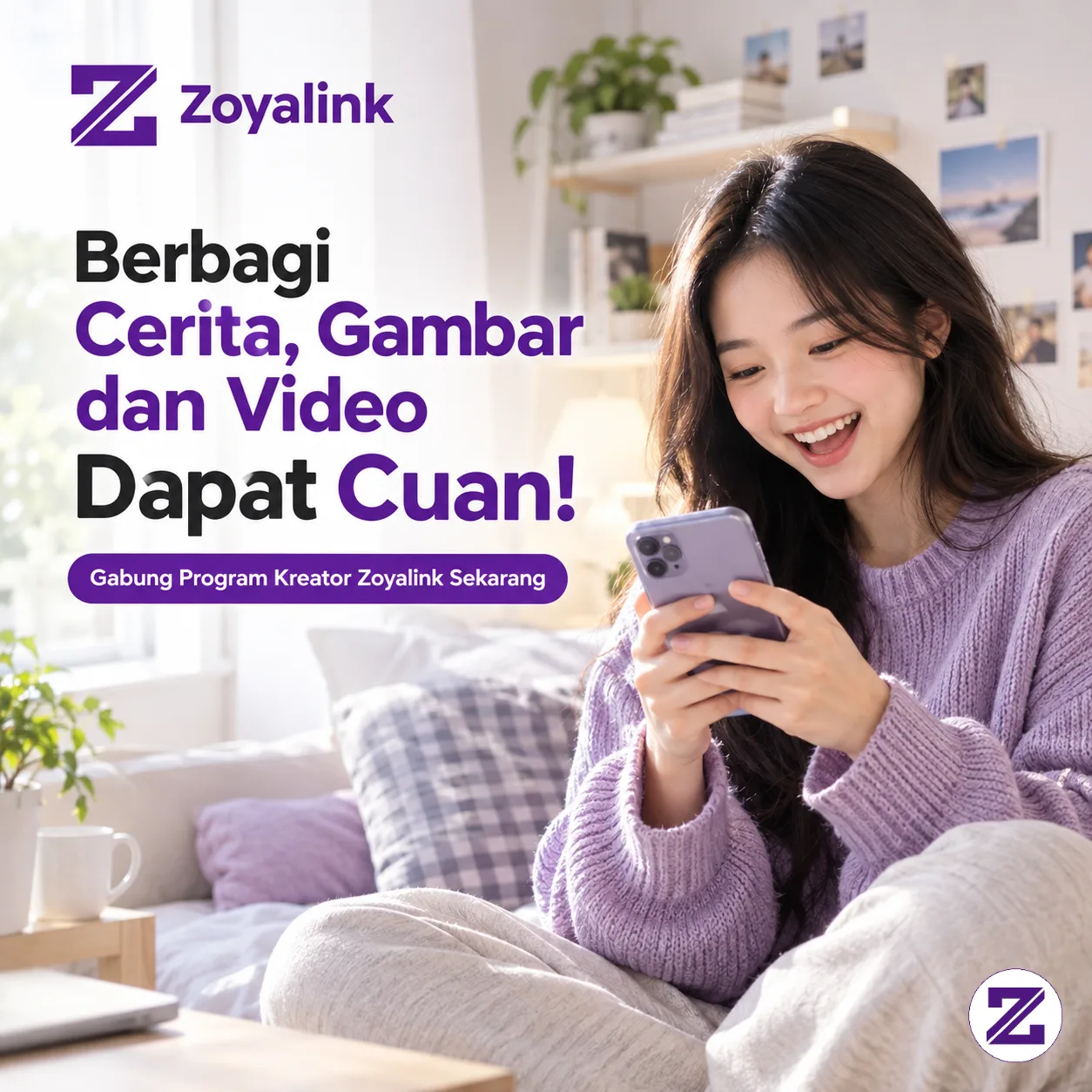
The ZOYALINK Creator Program gives users an opportunity to earn rewards from the content they publish. Articles, images, and videos can contribute to an account balance when they receive views that qualify as Valid Views.
About the Creator Program
The program is designed for users who actively share content on ZOYALINK. Participation does not require a separate application process or a minimum number of followers.
Both new and existing accounts can take part automatically. This allows users to concentrate on creating and sharing content instead of completing an additional creator registration process.
How Valid Views Work
ZOYALINK uses Valid Views as a key factor in determining creator rewards. The system focuses on genuine user activity rather than artificial attempts to increase view counts.
Traffic associated with bots, spam, repeated abnormal activity, or other potentially invalid behavior can be filtered automatically. This mechanism is intended to maintain a fairer environment for content creators.
Creators can monitor their content performance, qualifying views, and estimated earnings through their Dashboard.
Benefits for Creators
Earn from Published Content
Content that receives qualifying views can contribute to the creator's account balance. Higher numbers of valid views can provide greater opportunities to accumulate rewards.
Monitor Performance
The Dashboard provides access to view statistics and estimated earnings, allowing creators to track how their content performs over time.
No Follower Requirement
There is no minimum follower threshold for joining the Creator Program. New and established users can participate automatically.
Share Different Types of Content
Creators can publish various forms of content, including written stories, images, and videos, giving them different ways to reach audiences on the platform.
Getting Started
1. Create an account on ZOYALINK for free.
2. Publish content such as articles, images, or videos.
3. Share your content so other users can discover and view it.
4. Track your Valid Views and balance through the Dashboard.
5. Request a withdrawal once your balance meets the applicable withdrawal requirements.
Frequently Asked Questions
Do I need to apply separately for the Creator Program?
No. The Creator Program is automatically available to ZOYALINK accounts, so no separate application is required.
What are Valid Views?
Valid Views are views that meet the platform's qualification criteria and originate from valid user activity. Bots, spam traffic, and abnormal viewing patterns may be filtered by the system.
Do I need a certain number of followers?
No. The Creator Program does not require users to reach a minimum number of followers.
Where can I check my rewards?
Creators can access their valid-view statistics and estimated balance through their ZOYALINK Dashboard.
Start Sharing and Growing
The Creator Program gives users a way to turn their content-sharing activity into an opportunity to earn rewards. By consistently publishing useful content and building an audience naturally, creators can expand their reach while monitoring their performance through the Dashboard.
Users who are ready to get started can create a ZOYALINK account and participate in the Creator Program automatically.