New Zoyalink Feature: Light Mode and Dark Mode for a More Comfortable Experience
Zoyalink continues to introduce updates to improve user comfort. One of the newest features now available is Light Mode and Dark Mode. With these two display options, every user can customize the app and website interface according to their needs and preferences.
This update is designed to make activities like reading stories, viewing images, watching videos, and managing content more comfortable at any time, whether during the day or at night.
If you don't have an account yet, you can sign up for free on Zoyalink and enjoy all the latest features available.
What Are Light Mode and Dark Mode?
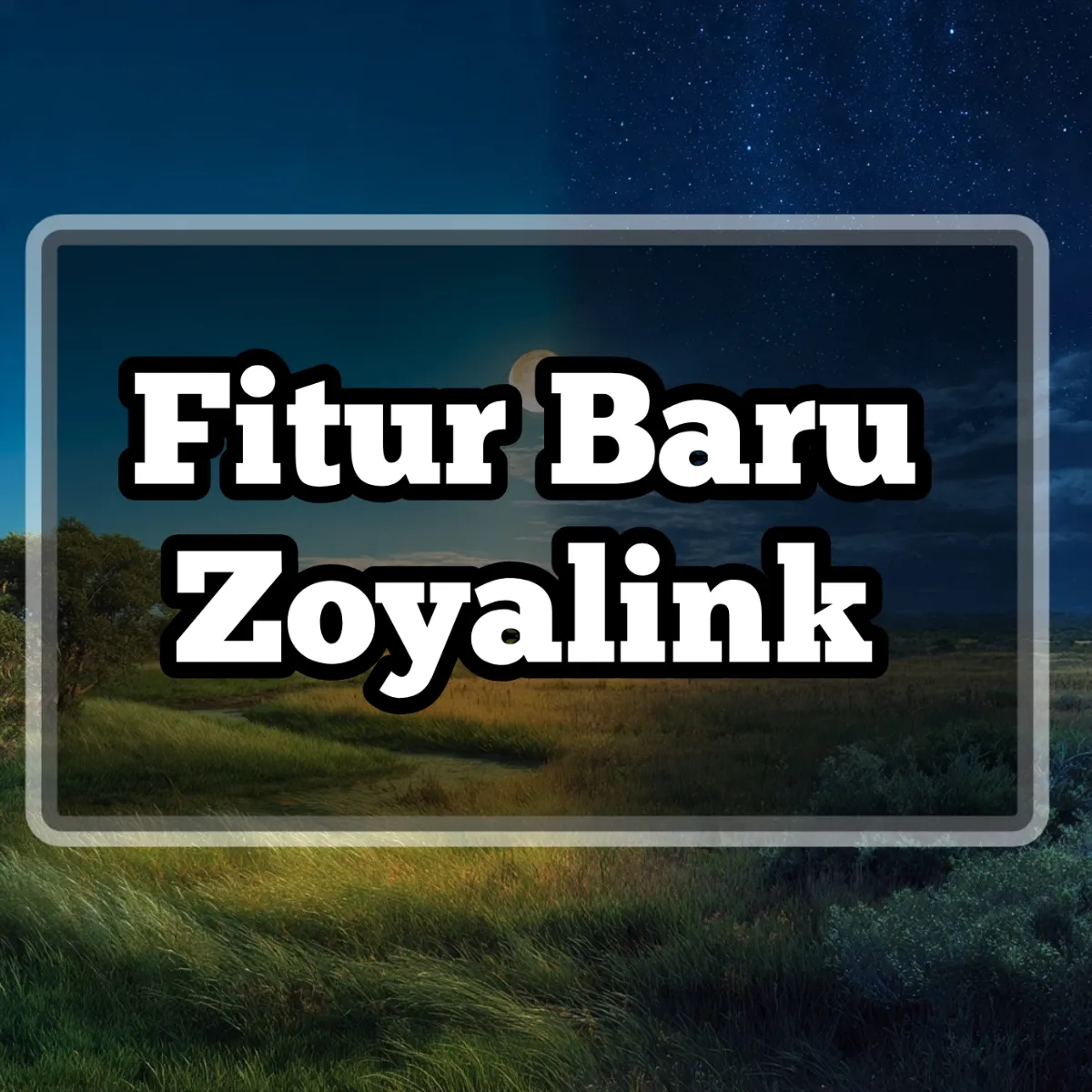
Light Mode is the standard display with a bright background that is ideal for use in well-lit rooms or during the day. In contrast, Dark Mode uses a darker background, making it more comfortable to use at night or in low-light environments.
Both modes have the same functions. The only difference is in the visual appearance, so users can choose the theme that feels most comfortable for daily use.
Advantages of Light Mode
Brighter Display
Light Mode provides good contrast when used under sunlight or in bright rooms, making text easier to read.

Comfortable for Daily Activities
For many users, a bright display feels more familiar because it resembles the appearance of book pages or documents.
Advantages of Dark Mode
More Comfortable at Night
Dark Mode helps reduce screen glare when used in low-light conditions, making reading activities more comfortable.
Modern Look
Many users like Dark Mode because it gives an elegant, simple impression and helps focus more on the content.
How to Enable Light Mode or Dark Mode
Zoyalink provides easy-to-use theme settings. Users simply open the account settings menu, then choose Light Mode or Dark Mode as desired. The display changes will be applied immediately without needing to restart the app or page.
All Features Still Work Normally
Changing themes does not affect the main functions of Zoyalink. You can still upload stories, images, and videos, view statistics, use the Creator Program, and interact with other users as usual.
A Better Reading Experience
With the choice of two themes, users can enjoy content longer according to the lighting conditions around them. Whether reading articles, viewing photo galleries, or watching videos, the display can be adjusted to remain easy on the eyes.
 Continue ReadingProgram Kreator Zoyalink
Zoyalink Continues to Develop New Features
Light Mode and Dark Mode are part of Zoyalink's commitment to providing an increasingly better user experience. Feature updates will continue to be made to help creators and users enjoy the platform in a more comfortable, fast, and modern way.
For more information about the platform, visit the About Zoyalink page. You can also start using all features by creating an account through the registration page.
Conclusion
The introduction of Light Mode and Dark Mode provides flexibility for every Zoyalink user to adjust the display to their needs. With a more comfortable interface, enjoying content and creating works becomes even more enjoyable at any time.
Visit https://zoyalink.com/ and experience Zoyalink with the display that suits you best.