
Guide to Using a Safe VPN to Avoid Leaking Personal Data: How to Protect Privacy and Security When Surfing the Internet
In today's digital era, the security of personal data is becoming increasingly important. Every online activity such as opening a website, using social media, carrying out digital transactions, or accessing a public WiFi network has the potential to produce data that can be collected by various parties.
Many internet users do not realize that information such as IP addresses, location, browsing history and login data can be targets for theft if not protected properly. One technology that is often used to increase security and privacy online is a Virtual Private Network or VPN.
VPN has been used by individuals, companies, remote workers, and large organizations to help secure their internet connection. However, improper use of a VPN can actually pose new risks to user privacy.
This article discusses in full what VPN is, how it works, its benefits, as well as a guide to using VPN safely so that personal data is not leaked.
What is a VPN?
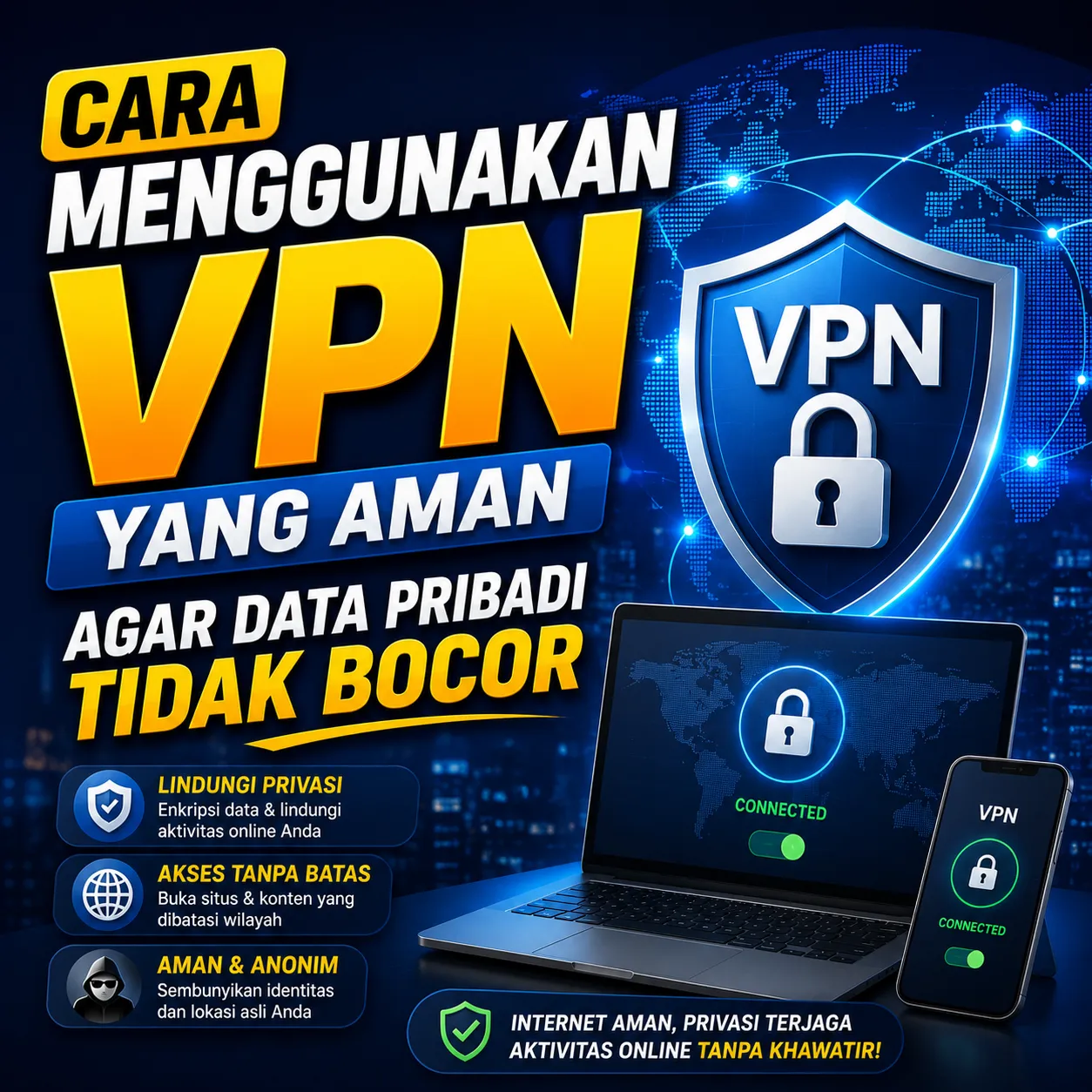
VPN or Virtual Private Network is a technology that allows users to create a more secure internet connection through encrypted communication lines.
When VPN is active, user data traffic will pass through the VPN server first before going to the website or service being accessed.
This process helps hide the real IP address and increases user privacy when surfing the internet.
Main VPN Functions
- Hide IP address.
- Improve online privacy.
- Secure internet connection.
- Protect data when using public WiFi.
- Reduce the risk of data interception.
How Does a VPN Work?
Without a VPN, the device will connect directly to the website or online service being used.
When using a VPN, data is first sent to the VPN server in encrypted form before being forwarded to the final destination.
| No VPN | With VPN |
|---|---|
| Original IP Visible | IP Hidden |
| Data is More Vulnerable to Interception | Data Encrypted |
| Less Privacy | Higher Privacy |
| Higher Risk of Public WiFi | Safer |
Why is VPN Important?
More and more activities are carried out online, making digital security an important requirement.
VPN can be an additional layer of protection to keep personal information safe.
Data Potentially VPN Protected
- IP address.
- Browsing history.
- Login information.
- Transaction data.
- Network activity.
Risks of Using the Internet Without Protection
Many users feel safe because they only open normal websites. Even though there are various threats that can occur online.
Frequently Occurring Threats
- Data theft.
- Network tapping.
- Online activity tracking.
- Identity fraud.
- Attacks on public WiFi.
When is it Best to Use a VPN?
VPN does not have to be used all the time, but there are several conditions where its use is highly recommended.
Using Public WiFi
WiFi networks in cafes, hotels, airports or public places are often targets of cyber attacks because many users are connected to the same network.
Working Remotely
Remote workers often access company data via the internet so they need additional protection.
Making Online Transactions
A VPN can help increase security when accessing financial services or making digital transactions.
Choosing a Safe VPN
Not all VPN services offer the same level of security.
Choosing the right VPN provider is an important step in maintaining privacy.

Criteria for a Good VPN
- Uses strong encryption.
- Has a no-log policy.
- Have a good reputation.
- Stable server.
- Transparent regarding privacy policy.
The Dangers of Using Free VPNs Carelessly
Many users are tempted to use free VPNs without checking the reputation of the service provider.
Even though some free VPN services make a profit by collecting or selling user data.
Risks of Untrusted Free VPNs
- Logging user activity.
- Data sales.
- Low security.
- Lots of ads.
- Poor performance.
Understand the No-Log Policy
No-log policy means that the VPN provider does not store users' online activity.
This feature is very important for users who prioritize privacy.
No-Log Policy Benefits
- Privacy is better protected.
- Activity is not saved.
- The risk of data leakage is smaller.
Enable Kill Switch If Available
Kill switch is a security feature that automatically cuts off the internet connection if the VPN is disconnected.
This feature helps prevent users' real IP addresses from being unknowingly exposed.
Benefits of Kill Switch
- Prevent IP leaks.
- Maintain privacy.
- Protect sensitive activity.
Update System and Applications Regularly
VPN is not the only security tool needed.
Old operating systems and applications can have security gaps that are at risk of being exploited by irresponsible parties.
What Needs to be Updated
- Operating system.
- Browser.
- Security application.
- VPN Application.
Use a Strong Password
A VPN cannot protect an account if the user uses a weak password.
Therefore, account security must still be a priority.
Characteristics of a Good Password
- Length.
- Unique.
- A combination of letters and numbers.
- Not easy to predict.
Enable Two-Factor Authentication
Two-Factor Authentication or 2FA provides an additional layer of security to online accounts.
Even if the password is known to the other party, the account still requires additional verification to be accessed.
VPN Is Not a Solution for All Threats
One of the common misconceptions is that VPNs can protect against all types of cyber threats.
VPNs do increase the privacy and security of connections, but they do not replace other digital security practices.
VPN Does Not Protect against
- Phishing.
- Malware.
- Weak password.
- Online fraud.
- User error.
The Importance of Digital Security Education
Apart from using a VPN, understanding digital security in general is an equally important step.
 Continue ReadingWhat Mistakes Do Beginner Businesspeople Often Make?
Users who understand how to protect personal data have a lower risk of becoming victims of cybercrime.
Many digital creators, remote workers and active internet users build their online activities through various platforms including ZOYALINK, so awareness of data security is an important part of protecting their identity and digital assets.
Mistakes Frequently Made by VPN Users
Using Free VPN Without Research
Not all free services have good security standards.
Ignoring Security Settings
Many important features such as the kill switch are not activated by the user.
Use the Same Password
Using the same password across multiple accounts increases security risks.
Feeling Too Safe
VPN is just one part of a broader digital security strategy.
The Future of Digital Privacy
As internet use increases, the issue of privacy and personal data protection will become increasingly important. Internet users are increasingly aware of the importance of protecting personal information from tracking, data misuse and cyber threats.
Technologies such as VPNs, encryption, multi-factor authentication, and digital security education will continue to be an important part of modern online activity.
Users who understand how to protect their data from an early age will be better prepared to face future digital security challenges.
Conclusion
VPN is a technology that helps increase privacy and security when using the internet by encrypting data and hiding the user's IP address. However, VPN use must be done wisely and choose a trusted service provider.
To keep personal data safe, users also need to implement other digital security practices such as using strong passwords, activating two-factor authentication, updating devices regularly, and increasing awareness of various cyber threats. With a combination of these steps, the risk of data leakage can be significantly minimized.