
When installing a new app on your smartphone, you may have seen permission requests to access the camera, contacts, location, microphone, or storage. Many users immediately press the "Allow" button without reading what permissions are requested.
 Continue ReadingWhy do new phones feel fast but become slow after a while? This is the simple cause
In fact, each permission granted allows the application to access certain features or data on the device. Therefore, it is important to understand the purpose of each permission so that data privacy and security is maintained.
This article discusses why applications ask for access permission and steps you can take before giving consent.
Why Do Apps Ask for Permission?
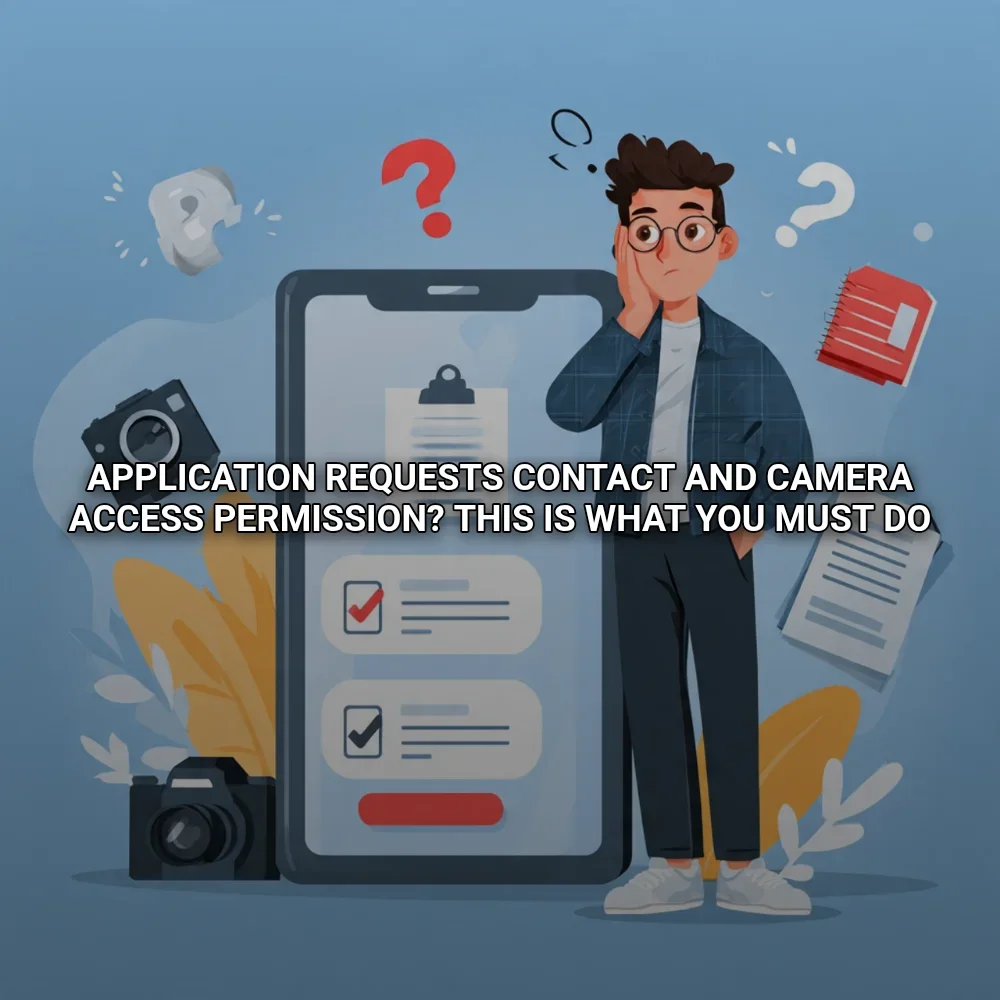
Both the Android and iOS operating systems are designed so that applications cannot access the camera, microphone, contacts or location without the user's consent.
Therefore, the application will ask for permission first when it needs access to certain features in order to carry out the functions offered.
When is Camera Permission Required?
Camera permission is generally required by apps that have the features of taking photos, scanning QR codes, making video calls, or uploading images.
If the main function of the application is related to the camera, requesting this permission is usually normal.
Why Does the App Request Contact Access?
Some applications use contact lists to make it easier for users to find friends, invite others, or synchronize data.
However, if the app does not have features related to contacts, you may consider not granting that permission.
Don't Just Press the "Allow" Button
Before granting permission, first read what the app asks for and think about whether the permission is really needed.

These simple habits can help reduce the risk of misuse of personal data.
Check App Reputation
Before installing an app, check out the developer information, number of downloads, user reviews, and the latest updates.
Applications from reputable developers are generally more transparent in explaining how user data is used.
 Continue ReadingWhy Do Phone Screens Only Respond to Human Fingers, Not Other Objects?
Use Permissions As Needed
Many modern smartphones provide options such as only allowing access when an app is in use or denying certain permissions.
Use these settings so that applications only get the access they really need.
Check Permissions Periodically
After some time, it's a good idea to check again the list of permissions that have been granted to various apps.
If there are permissions that are no longer needed, you can disable them via the device settings menu.
Be Careful of Apps That Ask for Too Many Permissions
If a simple application requests access to various features that are not related to its function, users should be more careful.
For example, a flashlight app requesting access to contacts or messages could be a reason to review whether the app is actually necessary to use.
Keep Personal Data Secure
In addition to setting app permissions, make sure your device always uses the latest versions of the operating system and apps. Updates usually bring security fixes that help protect user data.
Also avoid downloading applications from untrusted sources because this can increase security risks.
Use the Internet Safely and Productively
Smartphones and the internet can be used for studying, working, running a business, or sharing useful information.
ThroughZOYALINK, users can share articles, photos and videos with the community. This platform also providesZOYALINK Creator Programfor creators who actively produce quality content. Learn tooHow ZOYALINK Worksto find out the various features available.
Conclusion
Requesting permission to access the camera, contacts, location, or other features is part of the security mechanism on a smartphone. However, users still need to understand the reasons behind each permission request before giving consent.
 Continue ReadingFuture Technology: Are Flying Cars and Household Robots Real Soon?
By checking app functions, granting permissions as needed, and regularly reviewing privacy settings, you can use your smartphone more safely while protecting your personal data from unwanted risks.