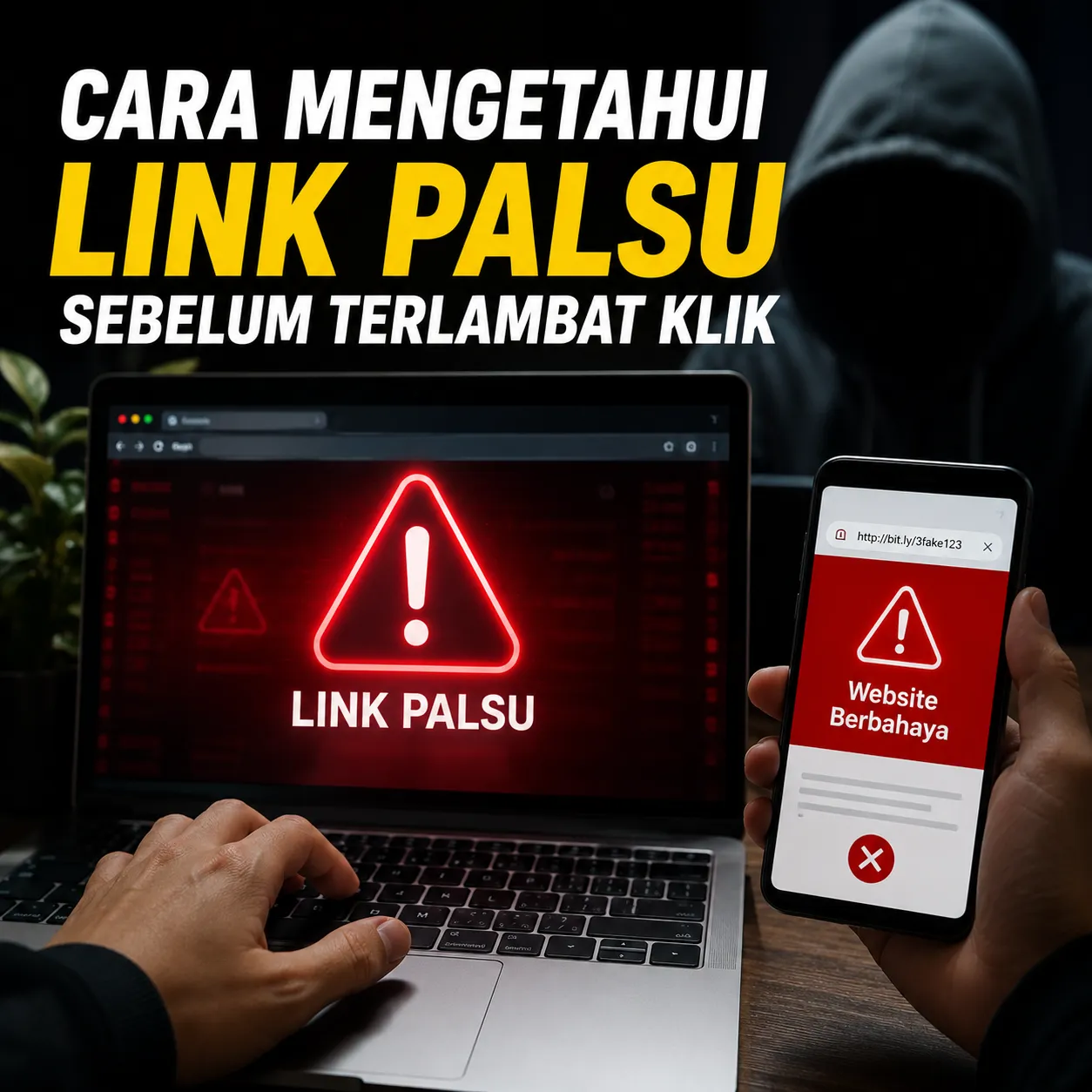

How to Spot Fake Links Before It's Too Late to Click: A Complete Guide to Recognizing Dangerous URLs and Avoiding Online Scams
In today's digital era, almost all activities are carried ou... See more
How to Spot Fake Links Before It's Too Late to Click: A Complete Guide to Recognizing Dangerous URLs and Avoiding Online Scams
In today's digital era, almost all activities are carried out via the internet. Starting from shopping online, accessing social media, opening email, carrying out banking transactions, to working remotely. Unfortunately, the increasing digital activity is also accompanied by an increase in various forms of cyber crime.
One of the methods most often used by online criminals is spreading fake or malicious links. These links are designed to trick users into providing personal information, downloading malware, or accessing websites that resemble legitimate services.
Many victims lose social media accounts, emails, personal data, and even money in their accounts because they don't realize that they have clicked on a fake link.
This article discusses in full how to spot fake links, their characteristics, the techniques used by fraudsters, and safe steps to protect yourself from these threats.
What are Fake Links?
Fake links are links created to trick users into visiting certain websites that have malicious purposes.
These websites are usually made to resemble official services so that victims trust them and enter sensitive information such as usernames, passwords, OTP codes, or payment data.
Purpose of Fake Links
Stealing accounts.
Steal personal data.
Installing malware.
Stealing financial information.
Spreading fraud.
Why Are Fake Links So Dangerous?
Fake links often look so convincing that they are difficult to distinguish from genuine websites.
Even experienced users can fall victim if they don't pay attention to certain details.
Possible Impacts
Account hacked.
Personal data leaked.
Losing money.
Identity theft.
Malware infection.
Check the Domain Name Carefully
The first step that must be taken before clicking on a link is to check the domain name.
Phishing perpetrators often create domains that are very similar to official websites.
Examples of Fake Domains
Original
Fake
google.com
goog1e.com
facebook.com
faceb00k.com
instagram.com
instagram.com
paypal.com
paypaI.com
Note that scammers often replace letters with numbers or similar-looking characters.
Pay Attention to HTTPS Use
Secure websites usually use HTTPS which is marked with a padlock icon in the browser.
However, you need to understand that HTTPS is not an absolute guarantee that a website is safe because fraudsters can also use SSL certificates.
What you need to pay attention to
Check the main domain.
Make sure the website address is correct.
Don't just rely on the lock icon.
Beware of Shortened Links
Short links are often used to hide the true purpose of a URL.
Therefore, users need to be more careful when receiving links whose origins are unclear.
Examples of links to watch out for
Link from unknown message.
Links from suspicious groups.
Shortened link without explanation.
Links with random character combinations.
Don't easily believe urgent messages
Fraudsters often exploit panic or fear so that victims immediately click on the link without thinking.
This technique is known as social engineering.
Fraud Sentence Examples
Your account will be blocked.
Immediately verify now.
Your reward is now available.
Confirm data within 24 hours.
Login now to avoid account closure.
Check Message Sender
Many phishing attacks are initiated via email or instant messaging.
Therefore the sender's identity needs to be checked before opening the sent link.
Signs of a Suspicious Sender
Strange email address.
The name does not match the institution.
Lots of writing errors.
Using a free domain to claim to be a big company.
Hover the Cursor Before Clicking
On a laptop or computer, users can hover over links without clicking on them.
The browser will usually display the actual destination address.
If the address that appears looks strange or different from what you expected, it's best not to open it.
Pay attention to the appearance of the website
Fake websites often have lower quality than official websites.
Even though some look very convincing, there are still certain signs that can be recognized.
Characteristics of Phishing Websites
Blurry logo.
Lots of grammatical errors.
Unprofessional appearance.
The feature does not function normally.
Suspicious domain address.
Never Give OTP Code
The OTP code is an additional layer of security that is confidential.
Official companies generally will not ask for an OTP code via email, instant message, or telephone.
Information That Should Not Be Shared
Passwords.
OTP code.
PIN.
Payment card data.
Account verification code.
Use a Different Password
If one account is successfully hacked, using the same password on many services can increase the risk of loss.
Therefore, every important account should use a unique password.
Secure Password Characteristics
Minimum length is 12 characters.
Combination of letters and numbers.
Contains symbols.
Does not use personal data.
Enable Two Factor Authentication
Two-Factor Authentication or 2FA provides additional protection if a password is stolen.
This feature is one of the most effective ways to reduce the risk of account hijacking.
Advantages of 2FA
Higher security.
Reduces the risk of hacking.
Protect important accounts.
Use a Browser and System that is Always Updated
Modern browsers often have features that can help detect malicious websites.
Therefore updating system and security applications is very important.
What Must Be Updated
Browsers.
Operating system.
Anti virus.
Security application.
The Importance of Digital Security Education
Good security technology still requires user awareness. Many cases of fraud are successful not because the system is weak, but because the victim does not understand the techniques used by the perpetrator.
Digital security education is one of the best investments to protect identity and online assets from various modern threats.
Both social media users, digital business people and content creators who are active on platforms like ZOYALINK need to understand how to recognize fake links so that digital activities remain safe and protected.
Mistakes Victims Often Make
Clicking Links Too Quickly
Curiosity or panic often prevents users from checking the URL first.
Believe in Messages in the Name of the Institution
Fraudsters often impersonate banks, marketplaces, or technology companies.
Not Checking Domains
Small differences in domain names are often missed by victims.
Using the Same Password
This habit can magnify the impact if an account is hacked.
The Future of Phishing Threats
As technology develops, phishing methods also become more sophisticated. Perpetrators are now utilizing artificial intelligence, very realistic imitation websites, and various psychological manipulation techniques to deceive victims.
Therefore, digital awareness and literacy are becoming increasingly important. Users who understand how online fraud works have a much greater chance of avoiding various cyber threats.
Taking a few seconds to check a link can prevent much bigger losses later.
Conclusion
Fake links are one of the most frequently used online fraud methods to steal internet users' data, accounts and financial information. While they often look reassuring, there are various signs that can help spot malicious URLs before it's too late.
By checking domains, avoiding suspicious messages, not sharing OTP codes, using strong passwords, and activating two-factor authentication, users can increase digital security and reduce the risk of becoming a victim of cybercrime.

1 month ago
·
How to Spot Fake Links Before It's Too Late to Click: A Complete Guide to Recognizing Dangerous URLs and Avoiding Online Scams
In today's digital era, almost all activities are carried ou... See more
In today's digital era, almost all activities are carried ou... See more