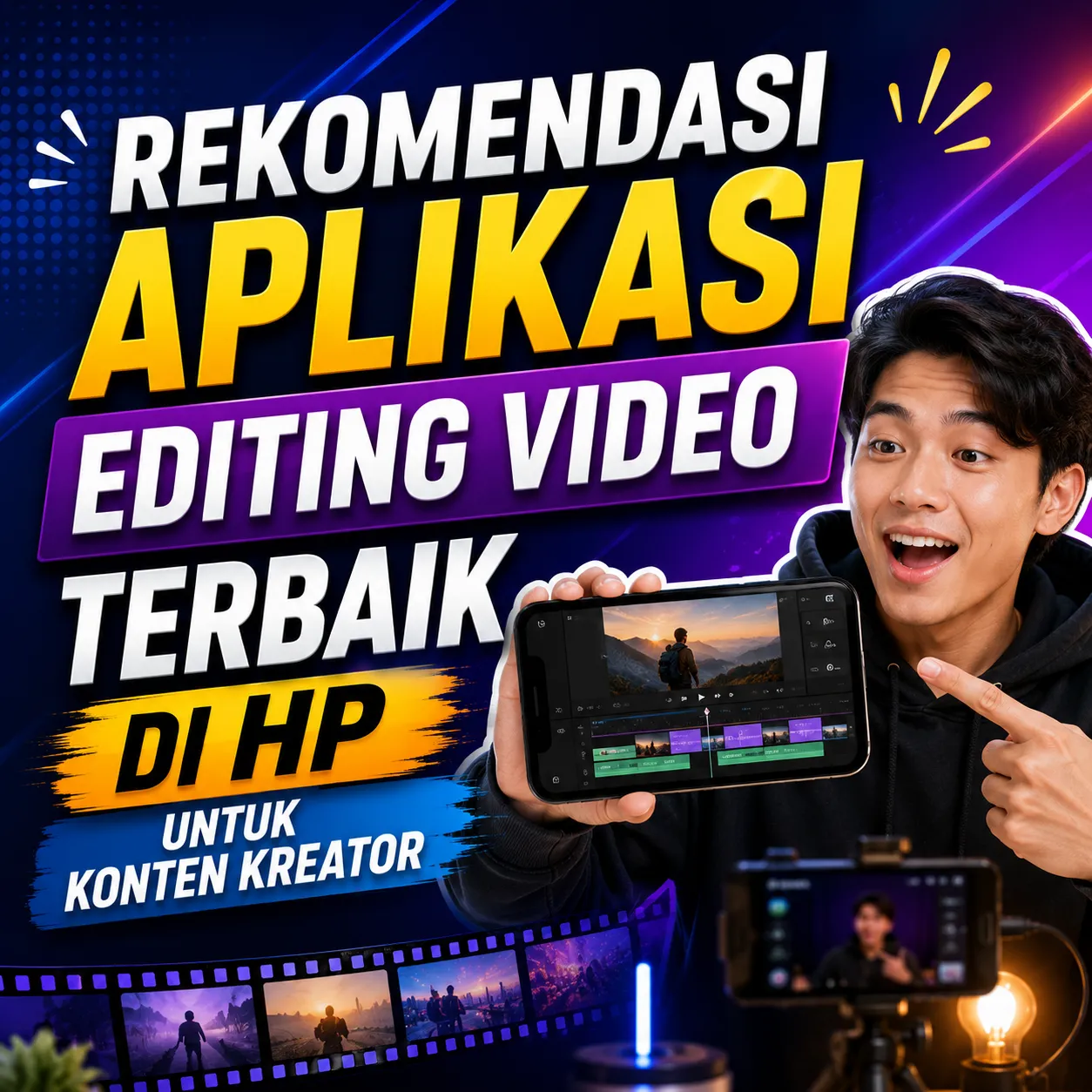

Recommendations for the Best Video Editing Applications on Mobile for Content Creators: Complete Guide to Making Professional Videos from Smartphones
The development of social media has m... See more
Recommendations for the Best Video Editing Applications on Mobile for Content Creators: Complete Guide to Making Professional Videos from Smartphones
The development of social media has made the need for video content increase. Platforms such as TikTok, Instagram Reels, YouTube Shorts, Facebook Video, and various other content platforms encourage creators to produce videos that are interesting, high quality, and able to compete amidst the millions of content uploaded every day.
In the past, the professional video editing process was synonymous with high-specification computers. However, nowadays, smartphones have developed so rapidly that they are capable of running various video editing applications with increasingly complete features.
With the right application, a creator can make professional quality videos directly from their cellphone without having to use a laptop or computer. In fact, a lot of viral content with millions of views has been created using just a smartphone.
This article discusses recommendations for the best video editing applications on cellphones, the advantages of each application, as well as tips for choosing applications that suit content creators' needs.
Why is Video Editing So Important?
An interesting video not only depends on the quality of the camera, but also on the editing process carried out after shooting.
Editing helps improve the appearance of a video, add visual effects, organize transitions, clarify audio, and improve the viewer's experience.
Benefits of Video Editing
Make videos more professional.
Increase audience retention.
Helps convey messages more clearly.
Increases viral chances.
Improve branding quality.
Criteria for Choosing a Video Editing Application on a Cellphone
Not all editing applications are suitable for every creator. The choice of application must be adjusted to the needs and type of content being created.
Factors to Consider
Ease of use.
Completeness of features.
Application performance.
Video export quality.
Effects and templates support.
Availability of free version.
CapCut
CapCut is one of the most popular video editing applications among content creators today.
This application is known for its easy-to-use interface and has many features that are usually only available on desktop software.
Advantages of CapCut
Easy to use.
Many viral templates.
Auto caption feature.
Complete visual effects.
Supports short video editing.
Export high quality.
Suitable For
TikTok.
Instagram Reels.
YouTube Shorts.
Business promotional content.
KineMaster
KineMaster is a mobile video editing application that has long been used by content creators.
This application offers various professional features with a display that is quite easy to understand.
Advantages of KineMaster
Multi-layer editing.
Complete audio control.
Lots of transition effects.
Supports green screen.
Flexible timeline.
Suitable For
YouTube.
Educational videos.
Business content.
Presentation video.
VN Video Editor
VN Video Editor is increasingly popular because it provides professional features without making users feel difficult when editing.
Many creators choose VN as an alternative to premium video editing applications.
Advantages of VN
Free.
No watermark on many features.
Professional timeline.
Detailed editing controls.
High quality transition.
InShot
InShot is very popular among beginners because it is simple and easy to learn.
Even though it is simple, InShot still has quite complete features for social media needs.
Advantages of InShot
Easy to use.
Light application size.
Complete basic features.
Suitable for beginners.
Supports various video ratios.
Adobe Premiere Rush
Adobe Premiere Rush is the mobile version of the Adobe ecosystem which is famous in the creative industry.
This application offers a more professional editing experience than most other mobile applications.
Advantages of Adobe Premiere Rush
Cloud sync.
High export quality.
Integration with Adobe.
Professional timeline.
Multi-platform editing.
PowerDirector
PowerDirector offers a variety of very complete video editing features for smartphone users.
Many creators need more detailed editing control using this application.
Advantages of PowerDirector
Professional visual effects.
Motion graphics.
Green screen.
Video stabilization.
Supports high resolution videos.
Comparison of Video Editing Applications
Application
Convenience
Features
Suitable For
CapCut
Very Easy
Very Complete
Viral Content
KineMaster
Easy
Complete
YouTube
VN
Easy
Professional
Active Creator
InShot
Very Easy
Intermediate
Beginner
Premiere Rush
Intermediate
Professional
Brands and Business
PowerDirector
Intermediate
Very Complete
Complex Video
Tips for Making More Interesting Videos
Editing applications are just tools. The final result still really depends on the creator's creativity and strategy.
Video Editing Tips
Create an interesting opening.
Use transitions sparingly.
Add subtitles.
Use appropriate music.
Cut out the boring parts.
Keep the video tempo dynamic.
The Importance of Subtitles in Videos
Many social media users watch videos without the sound on.
Therefore, subtitles can help increase audience retention while clarifying the message you want to convey.
Benefits of Subtitles
Increase watch time.
Helps audience understanding.
Improve accessibility.
Make videos more professional.
Video Editing for Content Monetization
Good video quality can increase monetization opportunities because it helps increase engagement and the number of viewers.
The more engaging the video is, the more likely the content is to be shared, saved, or recommended by the platform's algorithm.
Many modern creators not only upload videos to social media but also build additional digital assets through platforms like ZOYALINK to expand content distribution and create more diverse monetization opportunities.
Mistakes that Beginners Often Make
Too Many Effects
Excessive use of effects often makes videos look unprofessional.
Audio Not Noted
Audio quality is just as important as visual quality.
Video Too Long
Content that is too long can reduce audience retention.
Not Following Video Format Trends
Each platform has different video characteristics.
The Future of Mobile Video Editing
The development of smartphone technology and artificial intelligence has made video editing capabilities on cellphones closer to professional desktop software.
Features such as auto captions, automatic background removal, AI enhancement, and various other automatic tools make it easier for creators to produce high-quality videos.
This makes smartphones the primary device for many modern content creators.
Conclusion
Video editing applications on cellphones are now capable of producing professional quality videos without requiring expensive equipment. CapCut, KineMaster, VN Video Editor, InShot, Adobe Premiere Rush, and PowerDirector are some of the best choices that can be used according to each creator's needs.
By choosing the right application, learning basic editing techniques, and consistently creating quality content, creators can improve video quality, increase viral chances, and build a larger audience on various digital platforms.

Updated 1 month ago
·
Recommendations for the Best Video Editing Applications on Mobile for Content Creators: Complete Guide to Making Professional Videos from Smartphones
The development of social media has m... See more
The development of social media has m... See more